
How to Use M-Pesa in Kenya: Complete Beginner’s Guide
Are you planning a trip to Kenya and wondering how to navigate the country's popular mobile payment system, M-Pesa? Look no further! M-Pesa is a convenient and widely accepted way to make payments, send money, and even receive funds while in Kenya. In this article, we'll take you through a step-by-step guide on how to use M-Pesa, making your travel experience in Kenya seamless and cashless.
As a tourist in Kenya, you'll find that M-Pesa is widely accepted, and you can use it to pay for everything from taxi rides to groceries. The best part? You don't need to have an M-Pesa account to receive payments - as long as you have a phone number, you can receive M-Pesa payments. This makes it easy to get paid back by friends or family, or even receive payments from businesses.
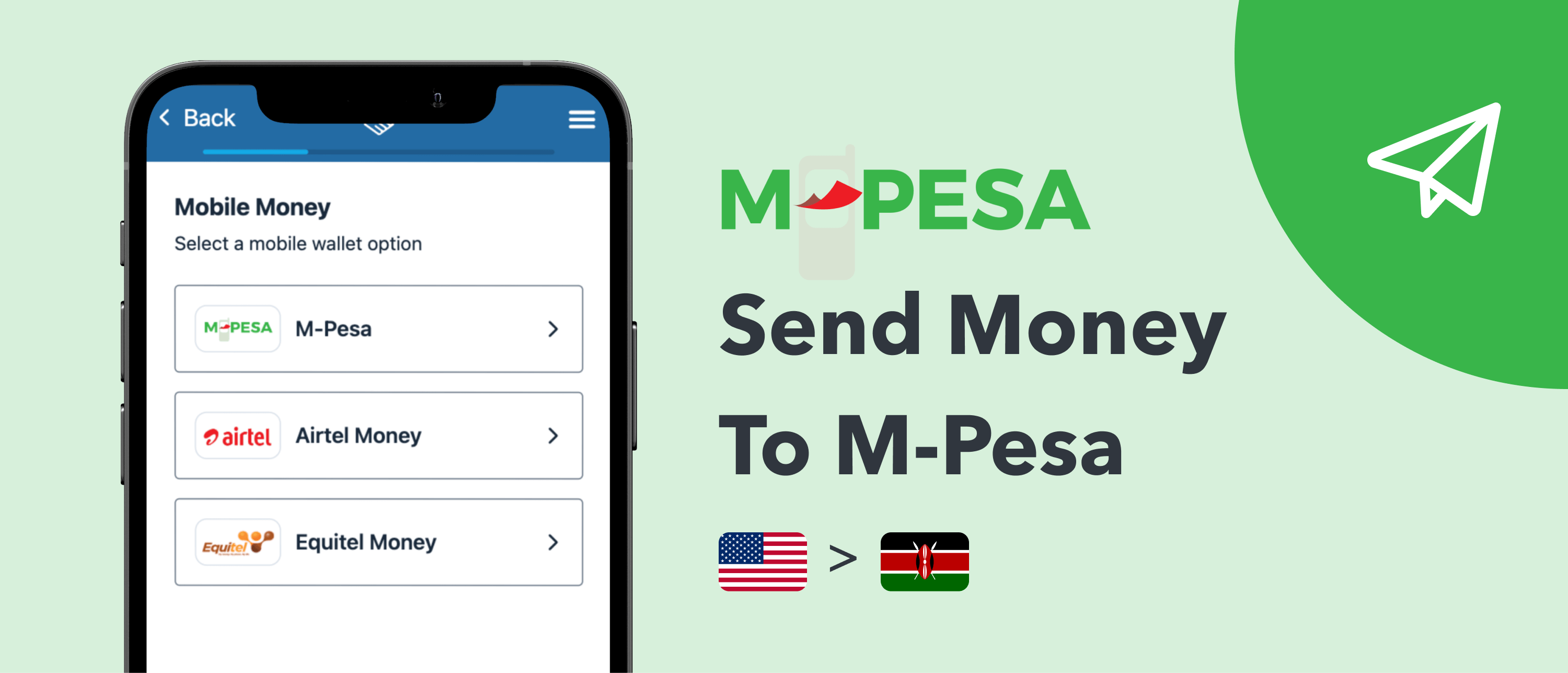
Source: Monito
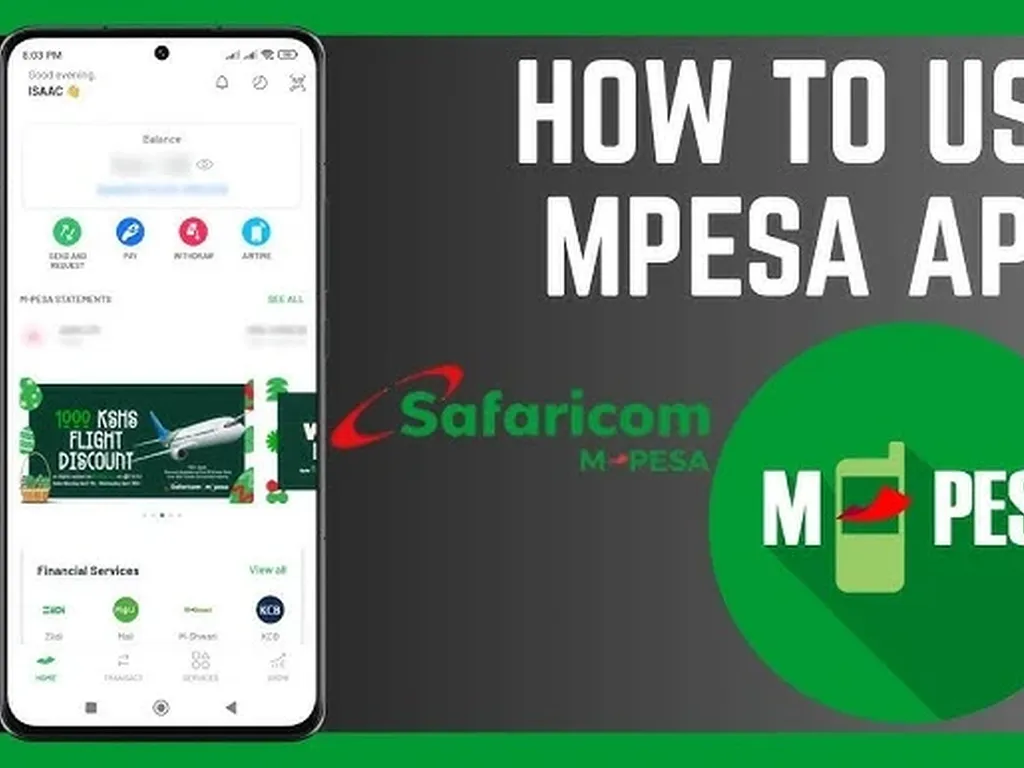
Now, let's dive into the nitty-gritty of using M-Pesa. To get started, you'll need to download the M-PESA App and follow the registration process. Once you're all set up, you can start sending money, making payments, and even withdrawing funds. To send money, simply open the M-PESA App, select the "send" option, and enter the recipient's phone number or select it from your contacts.
In addition to sending money, you can also use M-Pesa to make payments at most outlets, including shops, restaurants, and even hotels. This is done by selecting the "Paybill" option and entering the merchant's paybill number. You can also use M-Pesa to pay your bills, such as utility bills or insurance premiums.
One of the most convenient features of M-Pesa is the ability to transfer funds to another mobile money user. With your M-Pesa balance, you can transfer any amount available to another user, making it easy to split bills or send money to friends and family. You can also use M-Pesa to withdraw funds from your account at any authorized agent or ATM.
To make a payment or send money, follow these simple steps:
- Open the M-PESA App
- Select the "send" option
- Enter the recipient's phone number or select it from your contacts
- Enter the amount you want to send
- Confirm the transaction
It's that easy! You can also use the M-PESA App to make Paybill payments, withdraw funds, and even check your account balance. If you're having trouble using the app, you can always visit the Safaricom website for more information and tutorials.
In addition to the M-PESA App, you can also use the USSD code *334# to access M-Pesa services. This is a convenient option if you don't have a smartphone or prefer to use the USSD code instead of the app.
As a tourist in Kenya, it's a good idea to familiarize yourself with the M-Pesa system before your trip. You can do this by watching tutorials on YouTube or visiting the Safaricom website. This will give you a head start on using the system and make your travel experience in Kenya much smoother.
In conclusion, M-Pesa is a convenient and widely accepted way to make payments, send money, and receive funds while in Kenya. With this guide, you'll be well on your way to becoming an M-Pesa pro and enjoying a cashless travel experience in Kenya. So why not give it a try? Download the M-PESA App, register for an account, and start using M-Pesa today!
For more information on using M-Pesa, you can visit the following resources:
We hope you found this guide helpful and informative. Happy travels to Kenya, and don't forget to use M-Pesa to make your travel experience even more enjoyable!



No comments yet.